



Description
Introduction
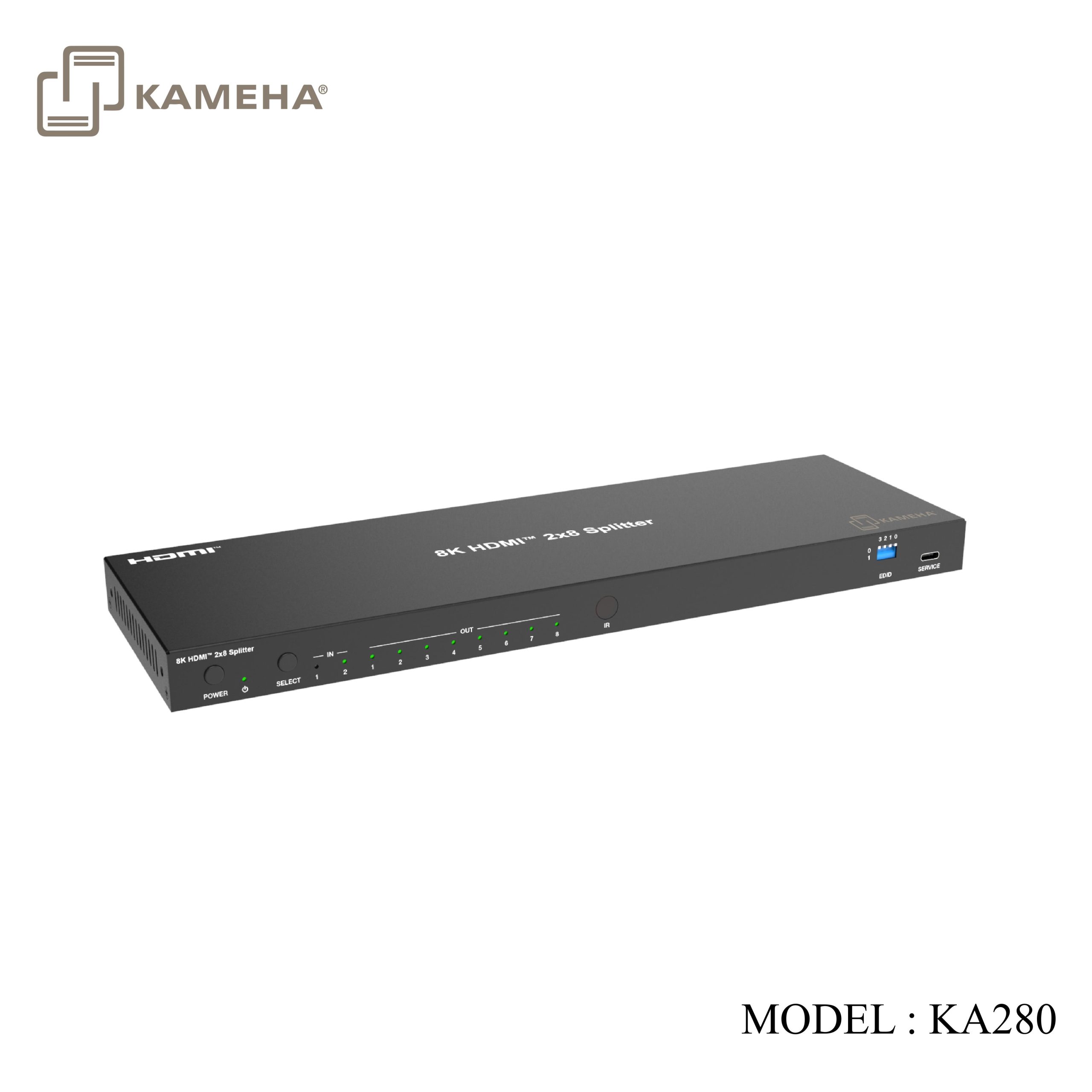
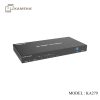
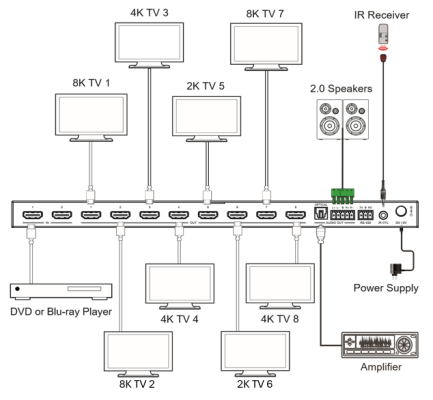
This 2×8 splitter features 2 HDMI inputs switching and distributing to 8 HDMI outputs synchronously, with video resolution up to 8K@60 4:2:0 12bit. Each output port supports 8K->4K/2K downscaling and HDR to SDR conversion independently. Audio de-embedding is supported to digital optical audio and balanced/unbalanced analog audio with gain adjustment. Auto or manual input switching and EDID management are also included. Built-in HDMI signal generator can easily diagnose the connection status of the external HDMI devices or cables. This product also can be controlled by front panel buttons, IR remote and API commands.
Features
- HDCP 2.3 compliant
- Support 48Gbps video bandwidth
- Support resolution up to 8K@60Hz 4:2:0 12bit, 8K@30Hz 4:4:4 12bit, 4K@120Hz 4:4:4 12bit, as specified in HDMI 2.1
- Support HDR, HDR10, HDR10+, Dolby Vision, ALLM/VRR pass-through
- Support 8K->4K/2K downscaling on each output for legacy display
- Support HDR to SDR conversion on each output for legacy display
- Support digital or analog audio de-embedding, and analog audio outputs with gain control
- Support auto switching and manual switching
- Support input switching via front panel buttons, IR remote, API commands
- Built-in equalizer, retiming and driver
- Advanced EDID management
- Controlled by front panel buttons, IR remote and API commands.
Specifications
| Technical | ||
| HDMI Compliance | HDMI 2.1 | |
| HDCP Compliance | HDCP 2.3 | |
| Video Bandwidth |
48Gbps |
|
| Video Resolution | Up to 8K@60Hz 4:2:0 12bit, 8K@30Hz 4:4:4 12bit, 4K@120Hz 4:4:4 12bit | |
| Color Depth | 8/10/12-bit | |
| Color Space | RGB, YCbCr_4:4:4, YCbCr_4:2:2, YCbCr_4:2:0 | |
| HDR | HDR, HDR10, HDR10+, Dolby Vision, HLG | |
| Audio Formats | HDMI input/output:
LPCM, Dolby Digital/Plus/EX, Dolby True HD, Dolby Atmos, DTS, DTS-EX, DTS-96/24, DTS High Res, DTS-HD Master Audio, DSD Audio de-embedding output: Optical: Up to LPCM/Dolby/DTS 5.1CH L/R Out: LPCM 2CH |
|
| Audio Parameters | Output Impedance | 300 Ohm |
| Output Level (Maximum) | 8.2dBu(2Vrms) @balanced audio
2.2dBu(1Vrms) @unbalanced audio |
|
| Frequency Response | (+0.5dB,-1dB) 20Hz to 20KHz | |
| Audio Output Sync Delay | 0 to 2.2ms | |
| Audio S/N Ratio | 99dB@2Vrms, 1KHz, A-weighted | |
| Audio THD+N | <0.2%@0dBV, 1KHz | |
| IR Level | 12Vp-p | |
| IR Frequency | Wideband 20K-60KHz | |
| Transmission Distance | 3m/9.8ft over HDMI cable | |
| ESD Protection | IEC 61000-4-2: ±8kV (Air-gap discharge) & ±4kV (Contact discharge) | |
| Connection | ||
| Input | 2× IN [HDMI type A, 19-pin female] | |
| Output | 8× OUT [HDMI type A, 19-pin female]
1× OPTICAL [S/PDIF] 1× L/R [5pin-3.5mm phoenix connector] |
|
| Control | 1× RS-232 [3pin-3.5mm phoenix connector]
1× IR CTL [3.5mm stereo mini-jack] 1× SERVICE [USB type C, upgrade port] |
|
Operation Controls and Functions
Front Panel

| No. | Name | Function Description |
| 1 | POWER button | Press to power on; Press and hold to enter standby mode. |
| 2 | POWER LED | When the device is powered on, the power LED is green; When the device is standby, the power LED is red. |
| 3 | SELECT button | Press to select input source IN 1/IN 2 circularly. |
| 4 | IN LED (1~2) | When the IN 1/IN 2 port is selected as an input channel, the corresponding green LED will be on. |
| 5 | OUT LED
(1~8) |
When the OUT 1/2/3/4/5/6/7/8 port is connected to an active display device, the corresponding green LED will be on. |
| 6 | IR | IR signal receiving window. |
| 7 | EDID DIP switch | Use the DIP switch to set EDID. *EDID list is as follow. |
| 8 | SERVICE | USB-C port, used for firmware update. |
Rear Panel

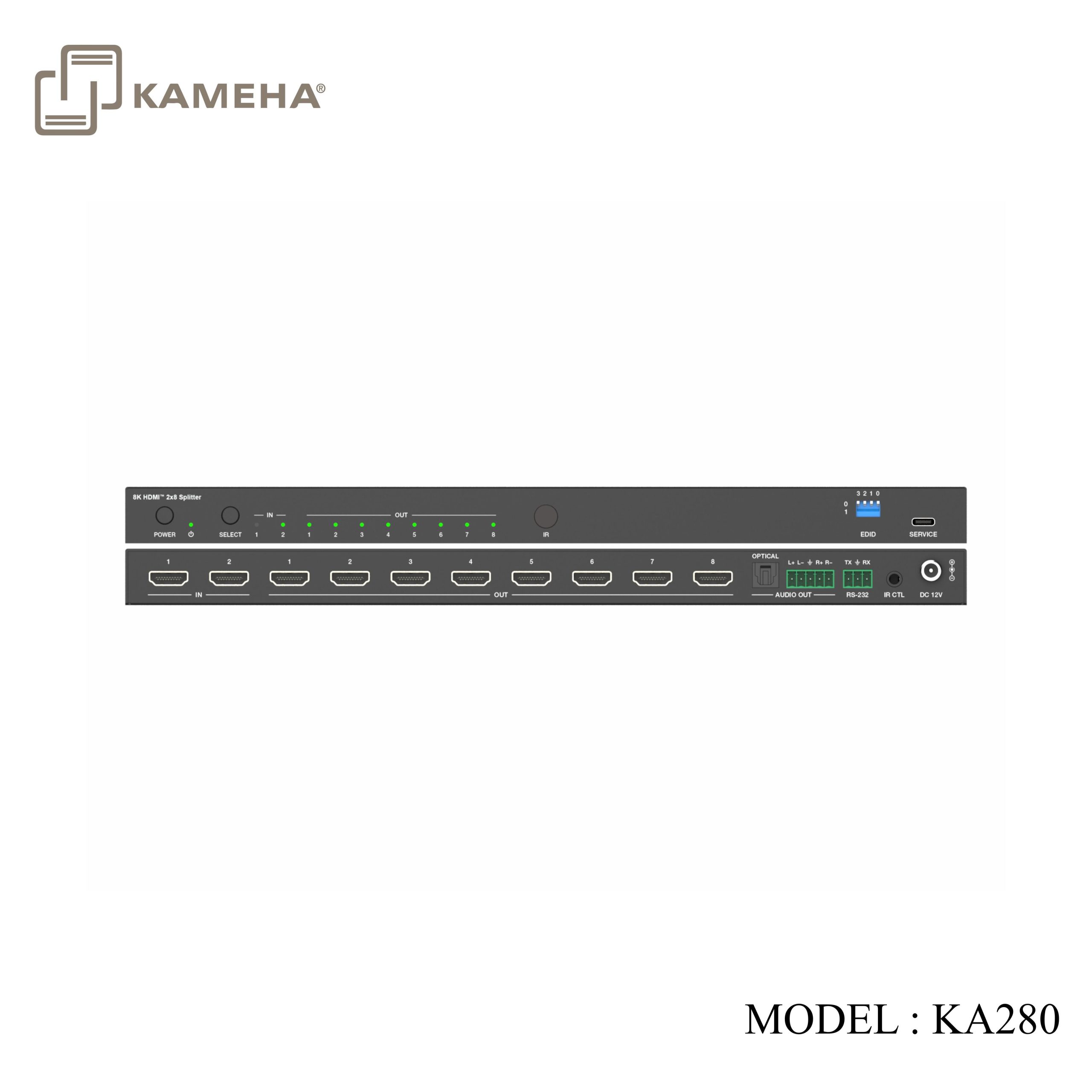
| No. | Name | Function Description |
| 1 | IN (1~2) | HDMI signal input ports, connected to source devices such as PC or PS5 with HDMI cable. |
| 2 | OUT (1~8) | HDMI signal output ports, connected to display devices such as TV or Monitor with HDMI cable. |
| 3 | OPTICAL
(AUDIO OUT) |
Digital audio output port, connected to an audio device. |
| 4 | L/R
(AUDIO OUT) |
Analog audio output port, supporting balanced audio output
(with a maximum support of 2Vrms) and unbalanced audio output (with a maximum support of 1Vrms). Balanced connection method: L+, L -, , R+, R Unbalanced connection method: L+, , R+ |
| 5 | RS-232 | RS-232 serial port, connected to a PC or control system for API command control. |
| 6 | IR CTL | 12V IR input port, connected with the IR receiver cable. |
| 7 | DC 12V | DC 12V/2.5A power input port. |
IR Remote

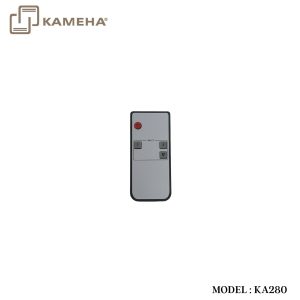
 : Power on the product or set it to standby mode.
1/2: Press 1/2 button to select HDMI signal source IN 1/2.
 : Press this button to cyclically switch HDMI signal source IN 1/2.
Application Example
Additional information
| Weight | 1.40 kg |
|---|---|
| Dimensions | 37.70 × 21.00 × 6.00 cm |
| WARRANTY | 1 YEAR WARRANTY |
| WHAT'S IN THE BOX | 1* 48Gbps 2×8 HDMI Splitter |
Related products