





Description
Introduction
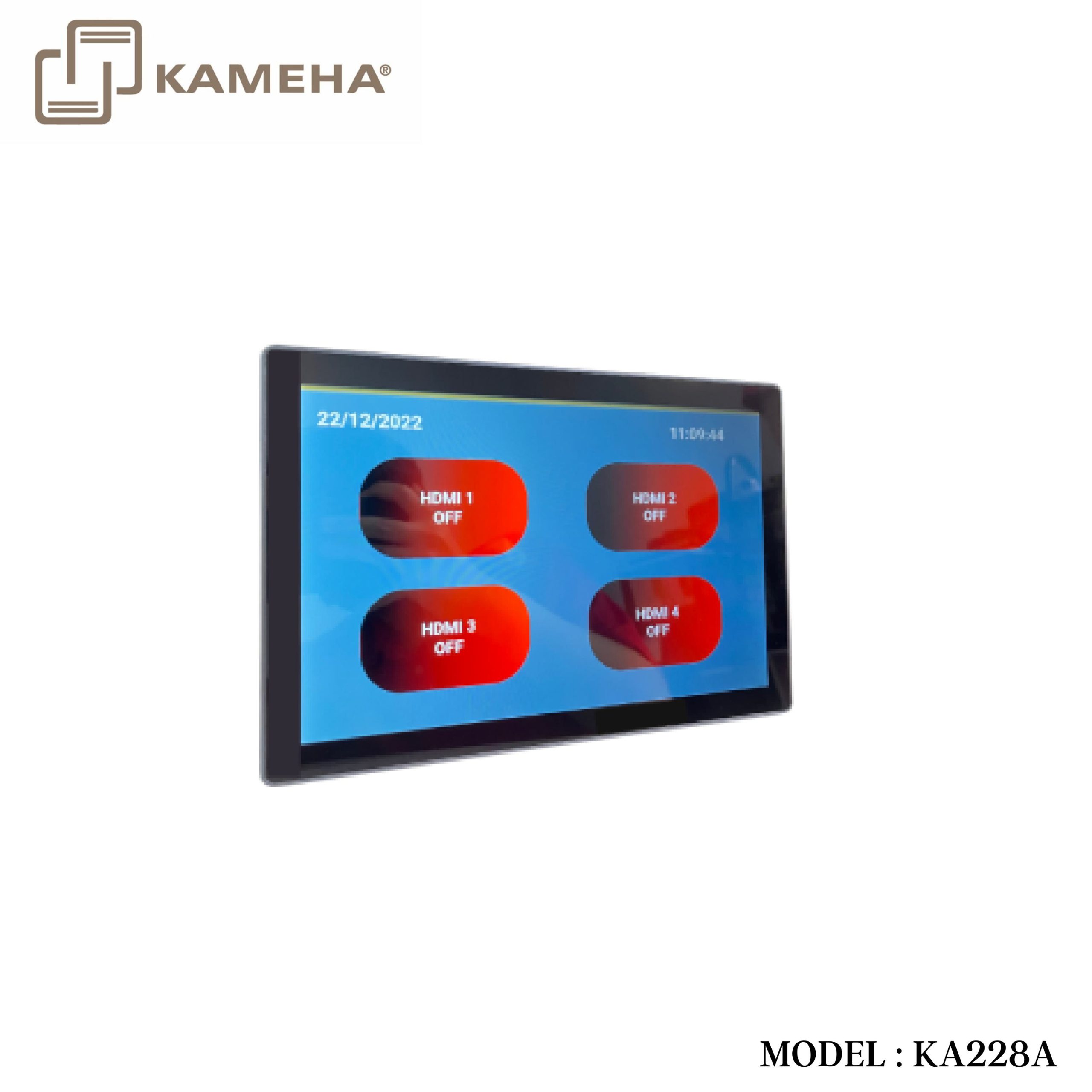
The programmable touch screen control panel is designed to be utilized in the sectors of automated office system, multi-media room and smart home. With a programmable interactive user interface over configuration protocols, the integrated system provides intelligent networking service. The control panel is equipped with a capacitive touch screen with a resolution of 1280*800, and it supports one RS-485 serial port. It is used in a diverse range of installations and applications across industries including multi-media conference rooms, multi-functional halls, training centers, show room, broadcasting studios and industrial automation.
Features
- ARM Cortex-A53 architecture 1.8Ghz main frequency
- Android 9.0 system, 8GB Emmc Flash, 2GB DDR4 RAM
- 1280*800 (16:10) resolution, desktop screen design
- One machine with two modes, can be used as touch screen central control or user terminal
- Support one RS-485 communication serial port, which is capable of configuring 8 baud rates in the range of 2400-115200bps
- Support access to the host system management web page with a password
- Compliant with industry standard network communication protocols (TCP/IP, Http, UDP, Websocket)
- With 1 Gigabit network port, the highest rate up to 1G/bps
- Support POE function or independent DC 24V/1A power supply
- Interface and function configuration via central control software
- Support remote control, remote O&M, online upgrade
- Support factory reset
Operation Controls and Functions

| No. | Name | Function Description |
| 1 | Touch
Screen |
Capacitive touch screen. The user control interface can be configured through the IDE tool. |
| 2 | POWER
button |
Used for screen off or wake-up. |
| 3 | RESET
button |
Reboot: After the device boots up, press and hold the RESET button for more than 1s less than 5s, then release it, the device will reboot. The device won’t upload the user projects after rebooting.
Reset: After the device boots up, press and hold the RESET button for more than 5s, then release it, the device will reset the user configuration information, the IP will be restored to the default settings (IP address: 192.168.0.101, subnet mask: 255.255.0.0), the login password of the management page will be initialized to “admin”, the device time will be initialized to automatic acquisition mode, but user projects won’t be deleted by factory initialization. |
| 4 | DEBUG port | Micro USB port. The reserved port for system debugging. |
| 5 | LAN/POE
port |
Standard 10M/100M/1000M Ethernet RJ45 port with default autonegotiated speed for device connection, projects uploading & downloading, network communication and debugging.
By default, the DHCP function of the control panel is disabled, and the IP setting is as follows: IP address: 192.168.0.101, subnet mask: 255.255.0.0 |
| 6 | RS-485 port | Programmable RS-485 serial port, which is a 3-pin phoenix connector (male), compliant with RS-485 communication protocol, and capable of configuring 8 baud rates in the range of 2400115200bps.
The pin-outs of the RS-485 ports are PIN1 for A, PIN2 for GND, and PIN3 for B. |
| 7 | POWER
port |
The power input port (2-PIN phoenix connectors), used for connecting with external 24V DC power supply. |
Application Example

Additional information
| Weight | 1.34 kg |
|---|---|
| Dimensions | 37.60 × 21.00 × 6.50 cm |
| WARRANTY | 1 YEAR WARRANTY |
| WHAT'S IN THE BOX? | 1 * Programmable Touch Screen Control Panel (Desktop) |
Related products